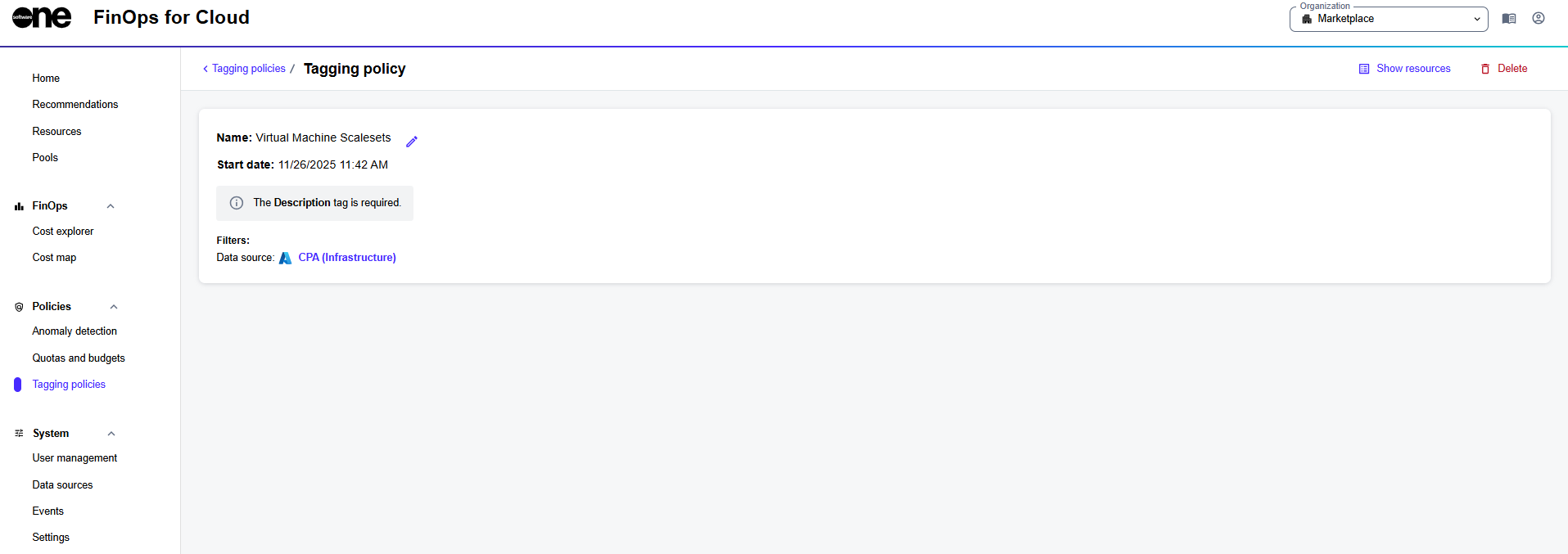
The details page of a tagging policy.
The details page of a tagging policy.
 . Then, provide the new name and save your changes.
* To delete the policy, select **Delete** and then select **Delete** again in the confirmation panel to confirm the action.
---
# Agent Instructions
This documentation is published with GitBook. GitBook is the documentation platform designed so that both humans and AI agents can read, navigate, and reason over technical content effectively. Learn more at gitbook.com.
## Querying This Documentation
If you need additional information that is not directly available in this page, you can query the documentation by asking a question.
Perform an HTTP GET request on the following URL with the `ask` and `goal` query parameters:
```
GET https://docs.finops.softwareone.com/policies/tagging/edit-or-delete-tagging-policies.md?ask=
. Then, provide the new name and save your changes.
* To delete the policy, select **Delete** and then select **Delete** again in the confirmation panel to confirm the action.
---
# Agent Instructions
This documentation is published with GitBook. GitBook is the documentation platform designed so that both humans and AI agents can read, navigate, and reason over technical content effectively. Learn more at gitbook.com.
## Querying This Documentation
If you need additional information that is not directly available in this page, you can query the documentation by asking a question.
Perform an HTTP GET request on the following URL with the `ask` and `goal` query parameters:
```
GET https://docs.finops.softwareone.com/policies/tagging/edit-or-delete-tagging-policies.md?ask=